

Table of Contents
- What Is Smart Home Automation?
- How Smart Home Automation Works
- Core Components of a Smart Home System
- Best Smart Home Devices for Beginners
- Smart Home Automation Benefits You Should Know
- How to Set Up a Smart Home
- Security, Privacy, and Interoperability Standards
- Frequently Asked Questions
Last Updated: September 25, 2026
What Is Smart Home Automation?
Smart home automation is the use of connected devices and intelligent systems to control and automate household functions remotely or through preset schedules. This technology enables voice commands, app-based controls, and automated routines that respond to your behavior and preferences.
The core idea is straightforward: instead of manually adjusting your thermostat, turning off lights, or locking doors, these tasks happen automatically based on triggers you set. A motion sensor can activate lights when you enter a room. Your smart thermostat learns your temperature preferences and adjusts itself. Security cameras send alerts to your phone when motion is detected outside.
Smart home automation creates an ecosystem where devices communicate with each other, learning your patterns and responding intelligently, separating it from standalone smart devices.
How Smart Home Automation Works
Smart home automation operates through connected devices that communicate via wireless protocols and respond to commands from a central hub or app.
A sensor detects a change (motion, temperature, time of day) and sends data to a hub or cloud service, which triggers a pre-programmed action. Your smart thermostat might increase heating if temperature drops below 68°F, or your smart door lock might unlock when your smartphone approaches.
Automation routines are sequences of actions tied to specific conditions. You set the rules once, and the system executes them repeatedly, from simple (turn on lights at sunset) to complex (if no motion is detected for 30 minutes AND it's after 11 PM, lock all doors and arm the security system).
Cloud connectivity enables remote access, checking security cameras from work or adjusting your thermostat while traveling. The trade-off is that cloud-dependent systems require internet connectivity to function fully.
Core Components of a Smart Home System
A functional smart home automation setup requires four essential layers: smart devices, a connectivity protocol, a central hub or controller, and a user interface.
Smart devices are the endpoints, cameras, thermostats, locks, lights, speakers, and sensors that perform the actual work. Each device has embedded sensors and wireless radios that let it communicate with other components.
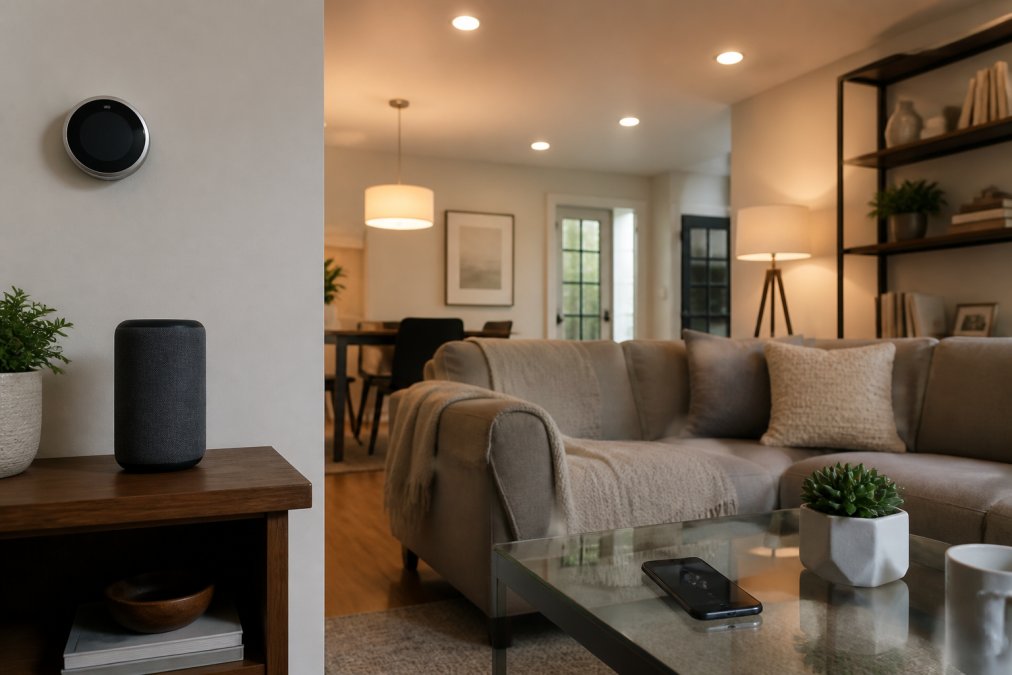
Connectivity protocols are the languages devices use to talk to each other. Understanding the trade-offs between them is critical to avoiding compatibility headaches.
Wi-Fi is the most common protocol, offering broad device support and fast data transfer. The downside: Wi-Fi consumes significant power, making it unsuitable for battery-powered sensors, and requires stronger signal strength, so distant devices may experience reliability issues.
Zigbee and Z-Wave operate on lower-power frequencies and use mesh topology, where each device relays signals through others to extend range. This makes them ideal for battery-powered sensors like door/window contacts and motion detectors. Trade-off: fewer devices support these protocols, and slower data rates make them unsuitable for video.
Bluetooth works well for personal devices like wearables and headphones. Bluetooth Low Energy (BLE) extends battery life, but range is typically limited to 30-100 feet depending on the device and environment. Bluetooth is less common for home automation hubs but increasingly appears in smart locks and personal sensors.
Matter is the emerging interoperability standard designed to solve compatibility issues between manufacturers. Matter devices communicate over Thread or Wi-Fi and work with any Matter-compatible hub. As of 2026, major manufacturers including Amazon, Apple, Google, and Samsung support it. Practical benefit: Matter-certified devices guarantee compatibility regardless of brand. Limitation: not all devices are yet Matter-certified, so legacy protocols remain necessary.
Thread is a mesh networking protocol that works alongside Matter. Unlike Wi-Fi's star topology, Thread creates a self-healing mesh where devices relay signals through each other, improving range and reliability in larger homes or those with thick walls.
A central hub or controller acts as the brain of your system, receiving signals from sensors and sending commands to devices. Some are standalone boxes (Amazon Echo, Apple HomePod, Google Nest Hub); others are built into routers or thermostats. The hub determines which protocols your system can support, a Wi-Fi-only hub cannot communicate with Zigbee devices. Modern hubs increasingly support multiple protocols (Wi-Fi, Zigbee, Z-Wave, and Thread) to maximize flexibility.
A user interface is how you interact with the system, typically a mobile app, voice assistant, or web dashboard. A good interface makes setting up automations intuitive and provides visibility into device status, battery levels, and automation history.
ROJECO Automatic Cat Feeder Pet Smart →
Best Smart Home Devices for Beginners
Starting with the right devices prevents wasted money and frustration. Beginners should focus on high-impact, easy-to-install options that don't require professional setup.
Smart speakers (Amazon Echo, Google Home, Apple HomePod) serve as both a hub and voice interface. They're affordable entry points that let you control other devices through voice commands. Most support multiple protocols, making them compatible with many devices.
Smart thermostats learn your temperature preferences and adjust automatically, often reducing heating and cooling costs. They're one of the few smart devices with a measurable financial return. Installation typically takes 30 minutes if you're comfortable with basic wiring.
Smart door locks eliminate the need to carry keys and let you unlock remotely. Video doorbells like those available through NextGen add security monitoring. Many require only removing your existing deadbolt and installing the new lock, no rewiring needed.
Smart lighting starts with smart bulbs or smart switches. Bulbs are easier for renters (no installation required), while switches are better for permanent installations.
Smart security cameras provide peace of mind and real-time alerts. The Smart Wireless WiFi Home Security Surveillance Camera from NextGen offers 1080p resolution and night vision at an accessible price point, making it ideal for first-time buyers.

Smart plugs are the easiest entry point. Plug them into any outlet, connect smart devices to them, and control power remotely. They're useful for lamps, fans, and coffee makers, anything you want to turn on or off automatically.
Start with 3-4 devices maximum to avoid decision paralysis and integration headaches.
Smart Home Automation Benefits You Should Know
Energy efficiency is significant, smart thermostats and lighting systems reduce consumption by automating temperature adjustments and eliminating unnecessary lights, translating to measurable utility bill savings.
Security improves through remote monitoring and real-time alerts.
How to Set Up a Smart Home
Successful setup follows a logical progression: planning, device selection and installation, automation configuration, and then ongoing maintenance to ensure reliability.
- Verify the device is online in your hub's app. If offline, restart the device and check Wi-Fi signal strength.
- Check the automation's trigger conditions. If it's time-based, verify your hub's clock is correct. If it's sensor-based, manually trigger the sensor to confirm it's working.
- Review the hub's activity log to see if the automation was attempted and why it failed.
- Restart your hub and test again. Many issues resolve after a restart.
- If the problem persists, check the device manufacturer's support site or community forums; others have likely encountered the same issue.
Security, Privacy, and Interoperability Standards
Smart home automation introduces security and privacy considerations that deserve careful attention. Connected devices create network entry points that malicious actors could exploit. Weak passwords, unpatched firmware, and insecure wireless protocols are common vulnerabilities.

Frequently Asked Questions
What are examples of home automation?
Common smart home automation examples include smart thermostats that adjust temperature automatically, smart lighting systems you control remotely or via voice commands, smart locks for keyless entry, automated pet feeders like the ROJECO automatic cat feeder that dispenses meals on a schedule, security cameras with remote monitoring, and smart plugs that turn appliances on and off. Many of these devices work together through a centralized hub or app to create automation routines, for instance, your lights can turn on automatically when you unlock your smart lock.
Do I need a hub for smart home automation?
A centralized hub makes automation much easier, especially as your system grows. Hubs act as the brain of your smart home, allowing all your devices to communicate and trigger actions together. Some devices work standalone through WiFi or Bluetooth, but without a hub, you'll control each one separately through individual apps. Hubs support wireless protocols like Zigbee and Z-Wave, which are more reliable than WiFi for many devices and use less power. For beginners, starting with a few WiFi-enabled devices is fine, but adding a hub later lets you create more complex automation routines and improves network latency and responsiveness.
Is smart home automation secure?
Security depends on how you set up your system. Modern smart home devices use data encryption to protect your information, and reputable manufacturers regularly release firmware updates to patch vulnerabilities. To stay safe, use strong, unique passwords for your accounts, enable two-factor authentication where available, and keep your home network infrastructure secure with a strong WiFi password. Privacy-first local control options, where devices communicate within your home network rather than relying solely on cloud connectivity, offer additional protection. Always check a device's privacy policy before purchasing, and avoid connecting sensitive systems to untrusted networks.
What is the average cost of a smart home device?
Smart home device prices vary widely depending on the type and brand. Basic smart plugs start around $15-25, while security cameras like NextGen's Smart Wireless WiFi Home Security Surveillance Camera are priced at $27. Smart doorbells range from $28-35. More advanced devices like the ROJECO Automatic Cat Feeder with WiFi and remote control run about $75. Smart hubs typically cost $50-150, and complete systems can range from $500 to several thousand dollars. Starting small with a few affordable devices lets you test whether smart home automation fits your lifestyle before investing in a full ecosystem.