

Table of Contents
- Why Easy Setup Matters for Smart Gadgets for Seniors
- What You'll Need Before You Start
- How to Simplify Smart Home Setup: Step-by-Step
- Best Smart Home Devices for Aging in Place
- Voice-Activated Home Assistants for Seniors
- Troubleshooting and Maintenance for Non-Tech Users
- Privacy-First Setup and Physical Accessibility Modifications
- Conclusion
- Frequently Asked Questions
Last Updated: September 15, 2026
Why Easy Setup Matters for Smart Gadgets for Seniors
The biggest barrier to smart home adoption among older adults isn't the technology, it's the setup. A device that takes hours to configure won't get used, no matter how many features it packs. This guide from NextGen focuses on easy setup smart gadgets for seniors: what to buy, how to install it, and how to keep it running.
The stakes are real. Many older adults want to age in place, and the right smart home devices for aging in place can support independent living through voice control, motion sensors, and automated alerts. But only if the technology actually gets installed and stays connected. The National Institute on Aging's guide to aging in place outlines how home modifications and supportive tools help older adults remain independent, and smart devices now sit alongside grab bars and ramps as practical additions.
What You'll Need Before You Start
Before buying anything, gather these basics. Skipping this step is the most common reason setups fail halfway through.
- A stable Wi-Fi network. Most smart devices need a 2.4 GHz connection, which reaches farther through walls than 5 GHz.
- A smartphone or tablet with the manufacturer's app installed.
- The network password, written down and legible.
- A smart hub if you plan to connect devices from different brands. A hub acts as the central translator between them.
- A power outlet near each device location, or a smart plug to extend reach.
- A helper. A second person reading instructions aloud cuts setup time.
How to Simplify Smart Home Setup: Step-by-Step
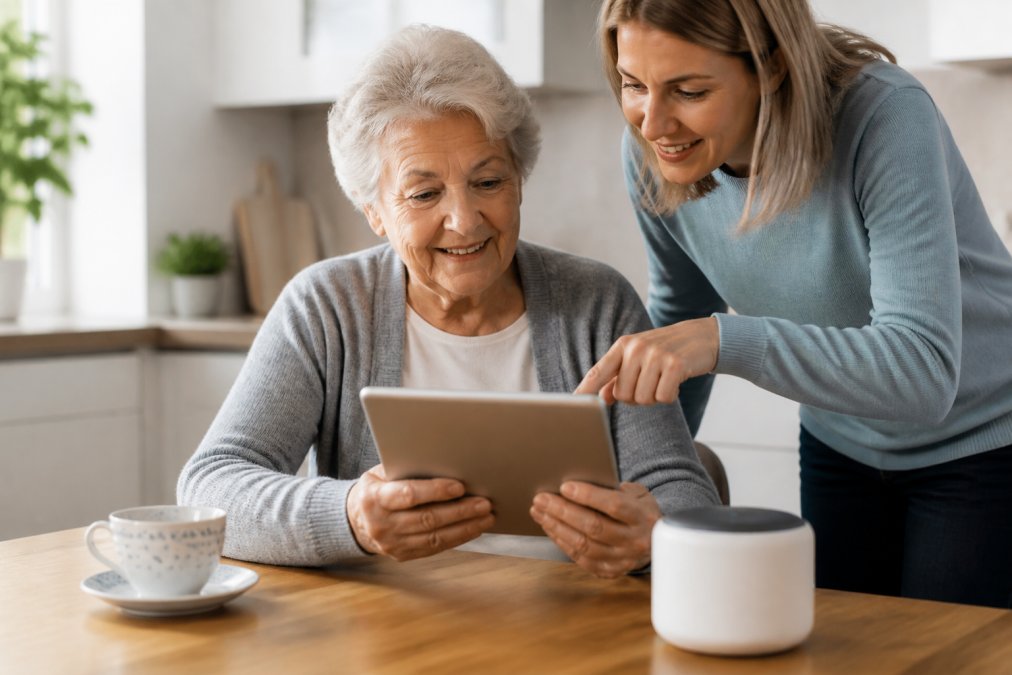
Learning how to simplify smart home setup comes down to three phases: network and hub first, plug-and-play devices second, voice assistant last. This order prevents the connection conflicts that derail most installations.
Step 1: Set Up Your Wi-Fi and Smart Hub
Plug in your smart hub and connect it to your router using the manufacturer's app, typically 10 to 15 minutes. Keep the hub central, ideally in a living room or hallway, so it reaches multiple rooms.
Step 2: Install Plug-and-Play Devices
Start with one device at a time. Smart plugs and bulbs are easiest because they need no wiring: plug in, open the app, follow the pairing prompt, and wait for "connected" before moving on.
Step 3: Connect Your Voice Assistant
Link your voice assistant to the hub through the assistant's app, authorize each device you want it to control, then test with a simple command like "turn on the living room light."
| Phase | Time Needed | What to Do |
|---|---|---|
| Wi-Fi and hub | 10-15 minutes | Plug in hub, connect via app |
| Plug-and-play devices | 5-10 minutes each | Pair one device at a time |
| Voice assistant | 10 minutes | Link accounts, test one command |
Best Smart Home Devices for Aging in Place
The best smart home devices for aging in place share three traits: wireless installation, large-button controls, and remote monitoring family members can check. For most households, start with a security camera and a video doorbell, both address home safety and let caregivers verify what's happening without a phone call.

NextGen carries several options built for this. The Smart Wireless WiFi Home Security Surveillance Camera at $20.00 offers 1080p video with TF card storage, a low-cost way to add remote monitoring to a main living area. For front-door coverage, the Wireless Security Smart WiFi Doorbell Intercom Video Camera at $22.00 includes two-way intercom and app notifications, so a senior can see and speak to visitors without opening the door.

For broader coverage with pan and tilt control, the Smart Robot Camera 3MP IP Camera at $35.00 adds AI human detection and mobile alarm notifications. The WiFi Video Doorbell Camera at $35.00 adds no-wiring installation and infrared night vision.

Voice-Activated Home Assistants for Seniors
Voice-activated home assistants for seniors turn spoken commands into action, removing the need to navigate apps or remember button sequences. A smart speaker in the kitchen or bedroom lets someone turn off lights, set reminders, or call family hands-free. Whether it gets used daily or unplugged after a week comes down to three things most guides skip: which ecosystem you pick, how you handle microphones, and whether your other devices speak the same language.
Pick the ecosystem before you pick the speaker
The two dominant platforms in the U.S. are Amazon Alexa (Echo devices) and Google Assistant (Nest and Google Home devices). Apple's Siri (HomePod and HomePod mini) works best if the household already uses iPhones, iPads, or Apple Watches. The practical rule: choose the ecosystem that matches the phone the senior already carries, an iPhone user will find Siri less confusing than a new app, and an Android user will find Google Assistant more familiar.
Voice assistants are not fully interchangeable: a device that works with Alexa may not work with Google Assistant, and some budget smart plugs and cameras support only one. Buy the speaker and the first two or three devices from the same ecosystem, then expand.
Setup, step by step
- Plug the speaker into a wall outlet in a central room, kitchen counters and living room side tables work well because they're where people already spend time.
- Open the assistant's app (Amazon Alexa, Google Home, or Apple Home) and sign in with one account, not several, or voice commands will only work for the person who set it up.
- Connect the speaker to the same 2.4 GHz Wi-Fi network as your hub and other devices. Most modern speakers handle a combined network name, but older or budget models may need the 2.4 GHz band separated in your router settings.
- Link each device by name in the assistant's app, "living room lamp," "front door camera," "bedroom plug." Use the names the senior already uses out loud.
- Test one command at a time, starting with something visible and immediate: "turn on the living room lamp." Wait for it to work before adding the next device.
Microphone privacy and the mute button
Every smart speaker has a physical microphone mute button or switch. Show the senior where it is and explain what it does, when muted, the speaker cannot hear the wake word, and a red or orange light usually confirms the microphone is off. This addresses most privacy concerns about always-listening devices.
In the assistant's app, you can also review and delete voice recordings, turn off "voice purchasing" so no one accidentally orders something by talking, and disable "drop in" or "announce" features if the household doesn't want them.
Accessibility trade-offs worth knowing
Making voice control work with everything else
Troubleshooting and Maintenance for Non-Tech Users
The five-minute diagnostic order
When to stop and call for help
A simple monthly maintenance routine
Why ecosystem choice affects troubleshooting
What maintenance actually prevents
Privacy-First Setup and Physical Accessibility Modifications
Conclusion
Frequently Asked Questions
What are some good smart gadgets for elderly people?
Good smart gadgets for seniors focus on safety, health, and easy control. Consider a video doorbell to see who is at the door, a smart plug for lamps, and a voice assistant for hands-free help. Fall detection wearables and automatic pill dispensers also support independent living. Look for devices with large buttons, clear audio, and simple apps. Many of these easy setup smart gadgets for seniors work right out of the box without professional installation.
How do I set up a smart home for someone with limited mobility?
Start with voice-activated home assistants for seniors so they can control lights, thermostats, and calls without moving around. Add smart plugs for lamps and small appliances, and a video doorbell to see visitors from a chair. Place a smart speaker in the living room and bedroom. Use wireless installation to avoid drilling or climbing. Set up remote monitoring through a caregiver dashboard so family can check in without being intrusive.
What are the best smart home devices for aging in place?
The best smart home devices for aging in place prioritize safety and simplicity. A video doorbell and wireless security camera help monitor visitors and activity. Smart lighting and a smart thermostat support environmental control. Fall detection sensors and emergency alert systems add security. A voice assistant ties it together. Choose devices with plug-and-play setup, large-button remotes, and clear user-friendly interfaces. These features support independent living without overwhelming the user.
How can I simplify smart home setup for my elderly parent?
To simplify smart home setup, choose a single ecosystem like Amazon Alexa or Google Home and stick with it. Buy devices labeled plug-and-play or wireless installation. Set up the smart hub and Wi-Fi yourself before introducing new gadgets. Label remotes and write down simple voice commands. Use the caregiver dashboard to manage settings remotely. Avoid mixing too many brands at once. This approach reduces technical support calls and builds confidence.