

2026 NEW Android 15.0 Smart CarPlay AI Box Mirrolink Wireless CarPlay Android Auto Adapter 2G+16G Tv Box For YouTube Netflix


2026 NEW Android 15.0 Smart CarPlay AI Box Mirrolink Wireless CarPlay Android Auto Adapter 2G+16G Tv Box For YouTube Netflix
SPECIFICATIONS
Brand Name: WDSZKMYF
Choice: yes
High-concerned chemical: none
Origin: Mainland China

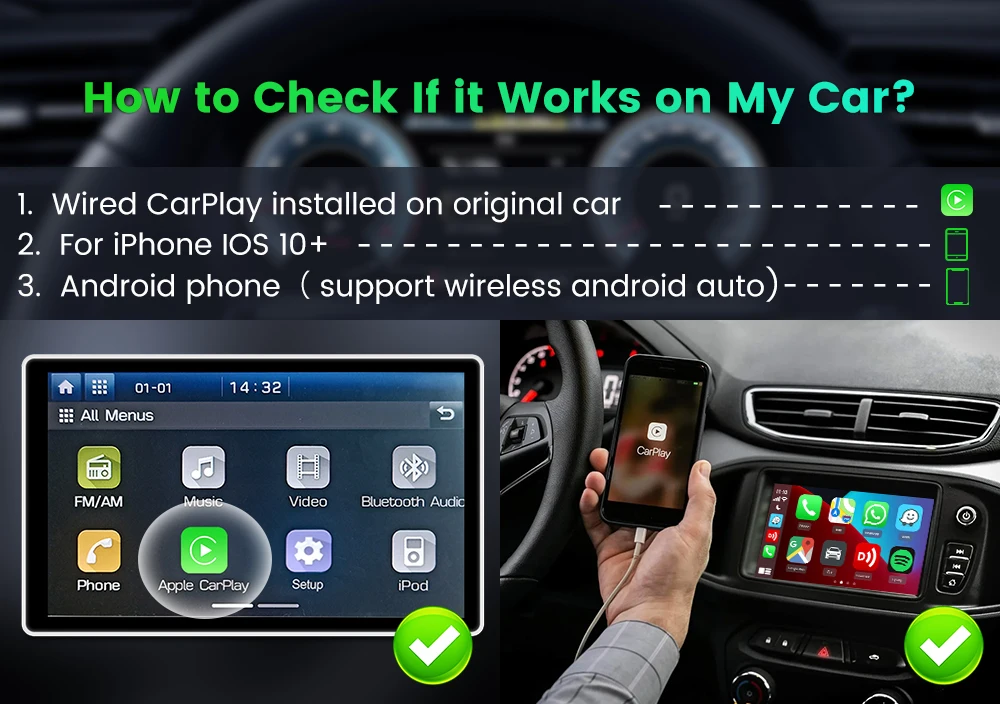
Q&S:🎀How to check if it Works on My car?
Please confirm Wired CarPlay installed on criginal car ,Your car's display must support wired CarPlay to use this device,This product requires touchscreen operation, so your screen must be touch-enabled.
This product is not compatible with aftermarket vehicle screens, and it cannot be used with wired CarPlay or wireless CarPlay alone. In these cases, inserting the product may result in a “USB not available” message. Please check the vehicle compatibility list before purchasing. Do not buy this product if your vehicle is not listed. Thank you!
The main function
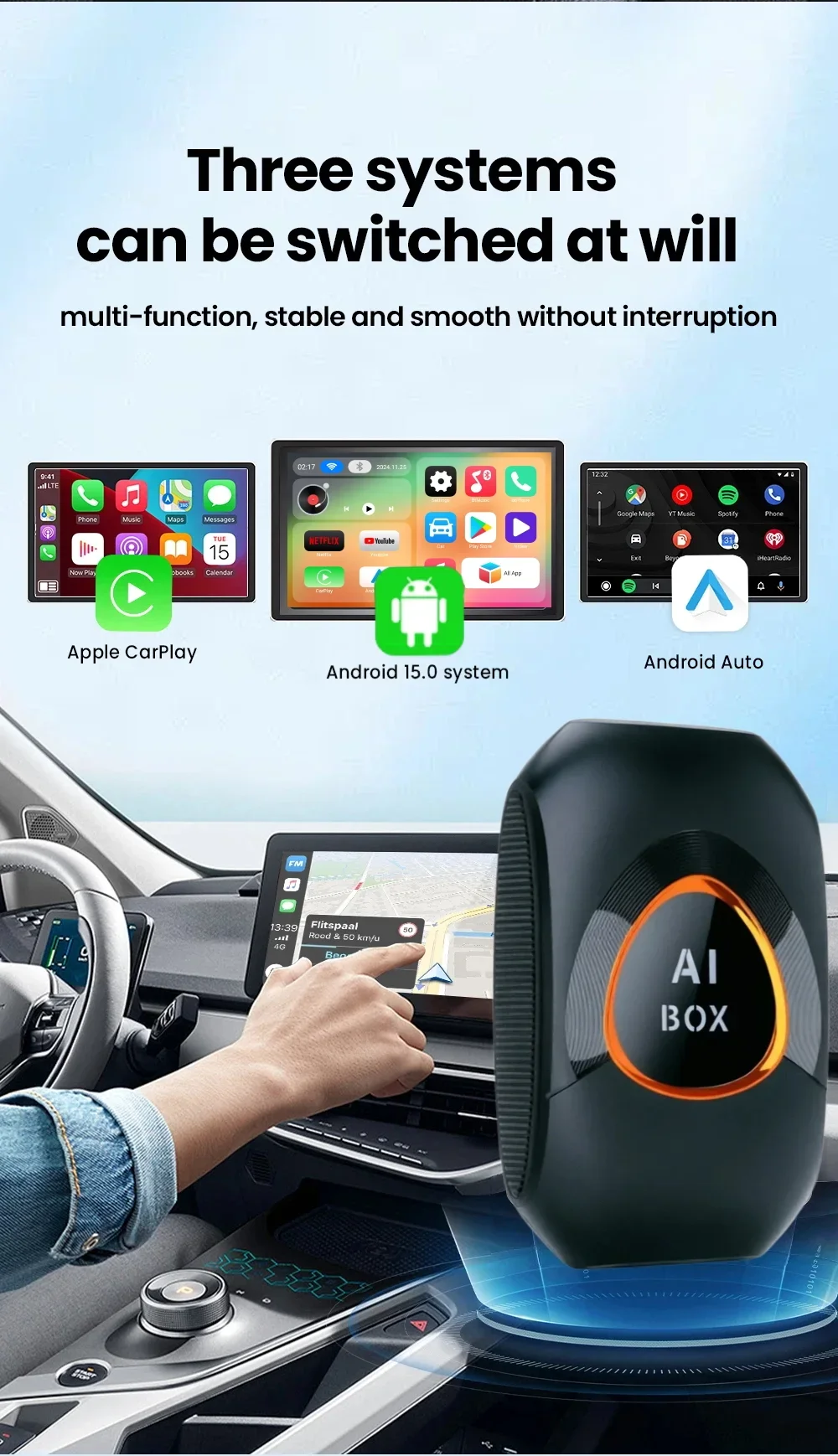
1. The product comes with Android 15.0 open system
2.Support wireless Android Auto/Carplay function
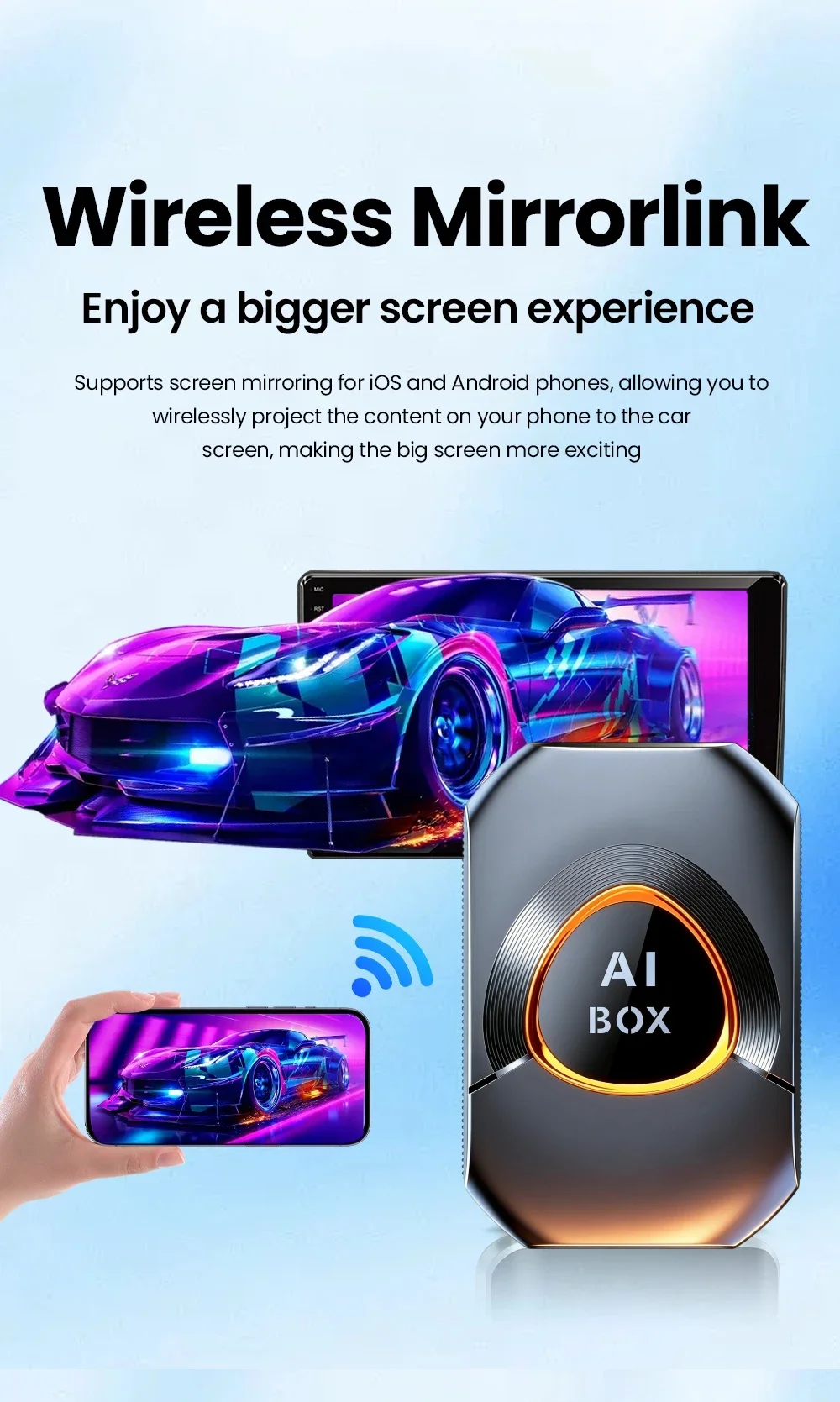
3. Support Android and Apple mobile phone screen mirroring function
4. Support online video playback and TF card playback video
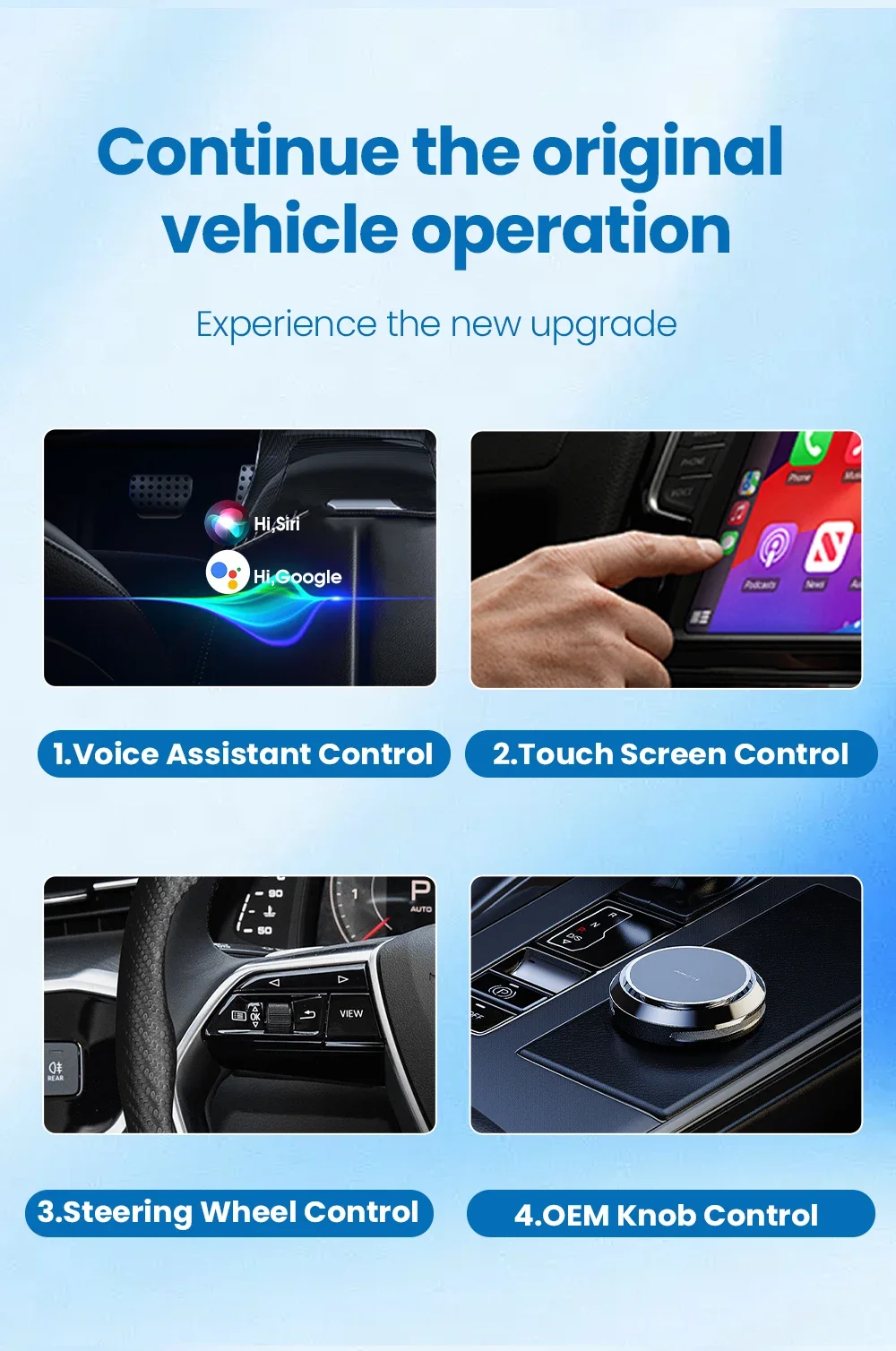
5.Support original car control function
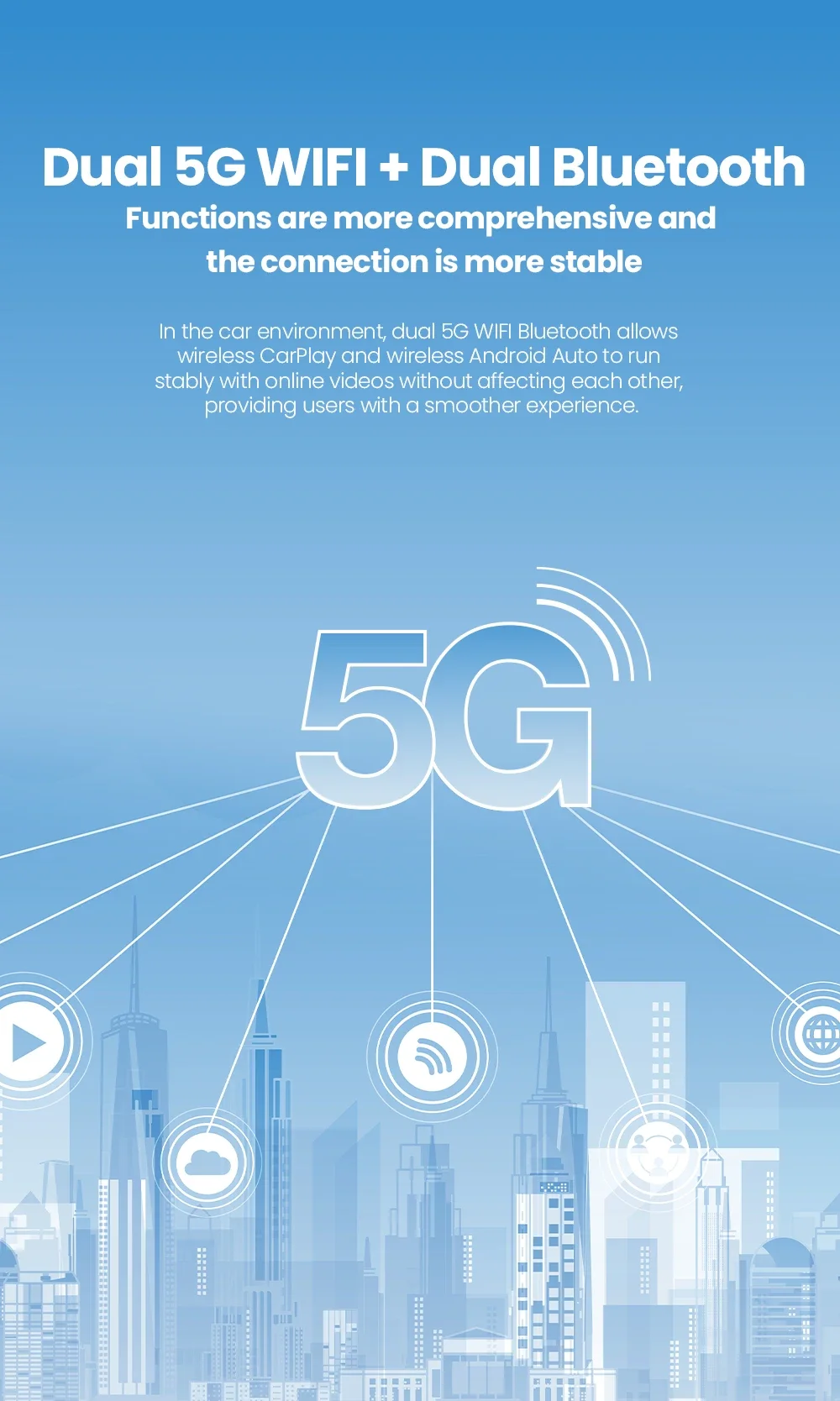
6.Support dual Bluetooth
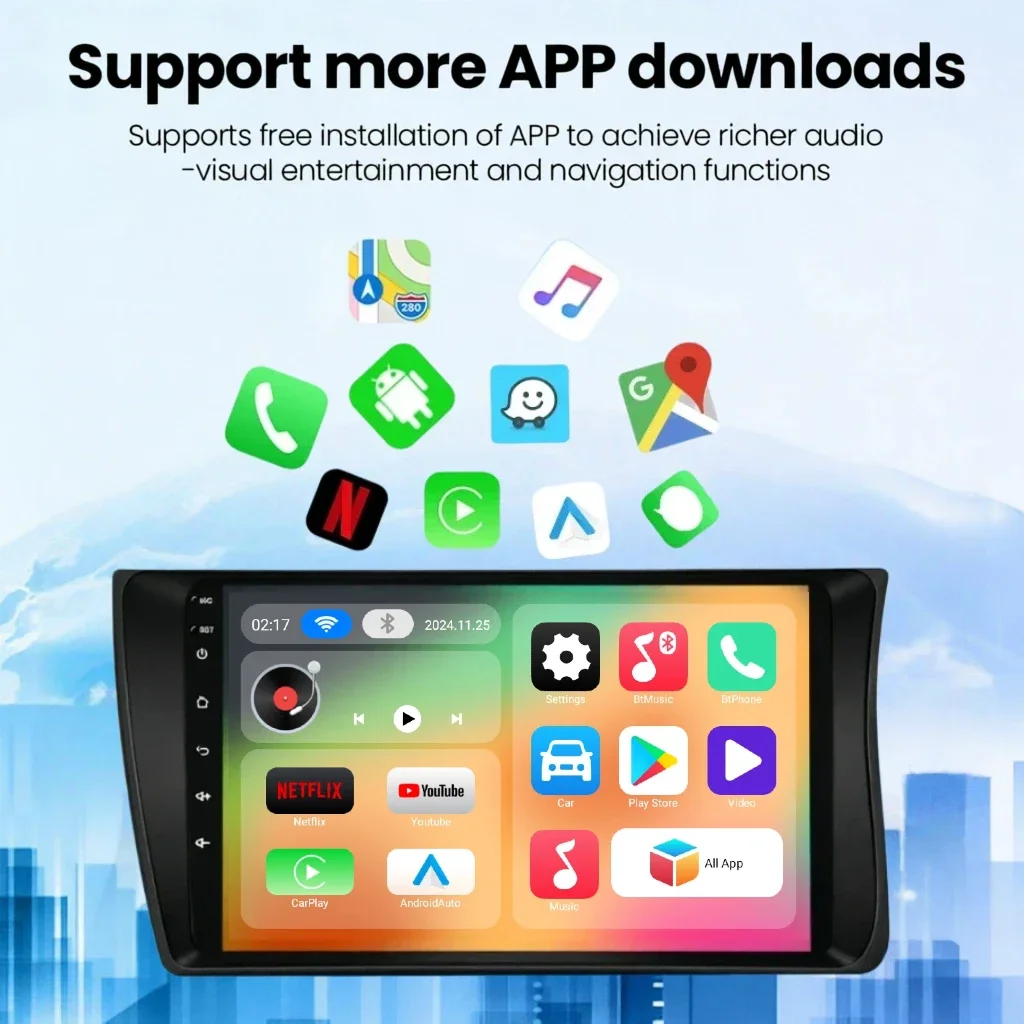
7.Support Playstore download application
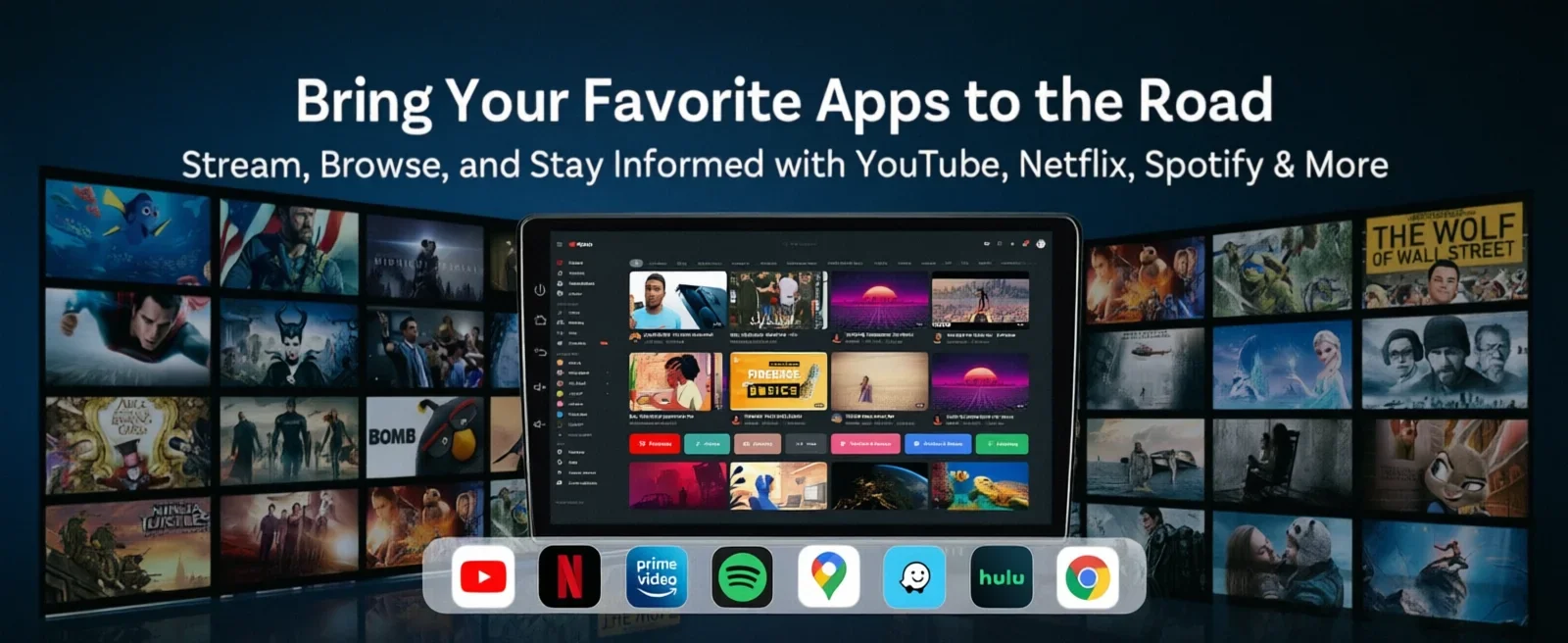
8.Built-in Various Streaming App,like Netflix Youtube.
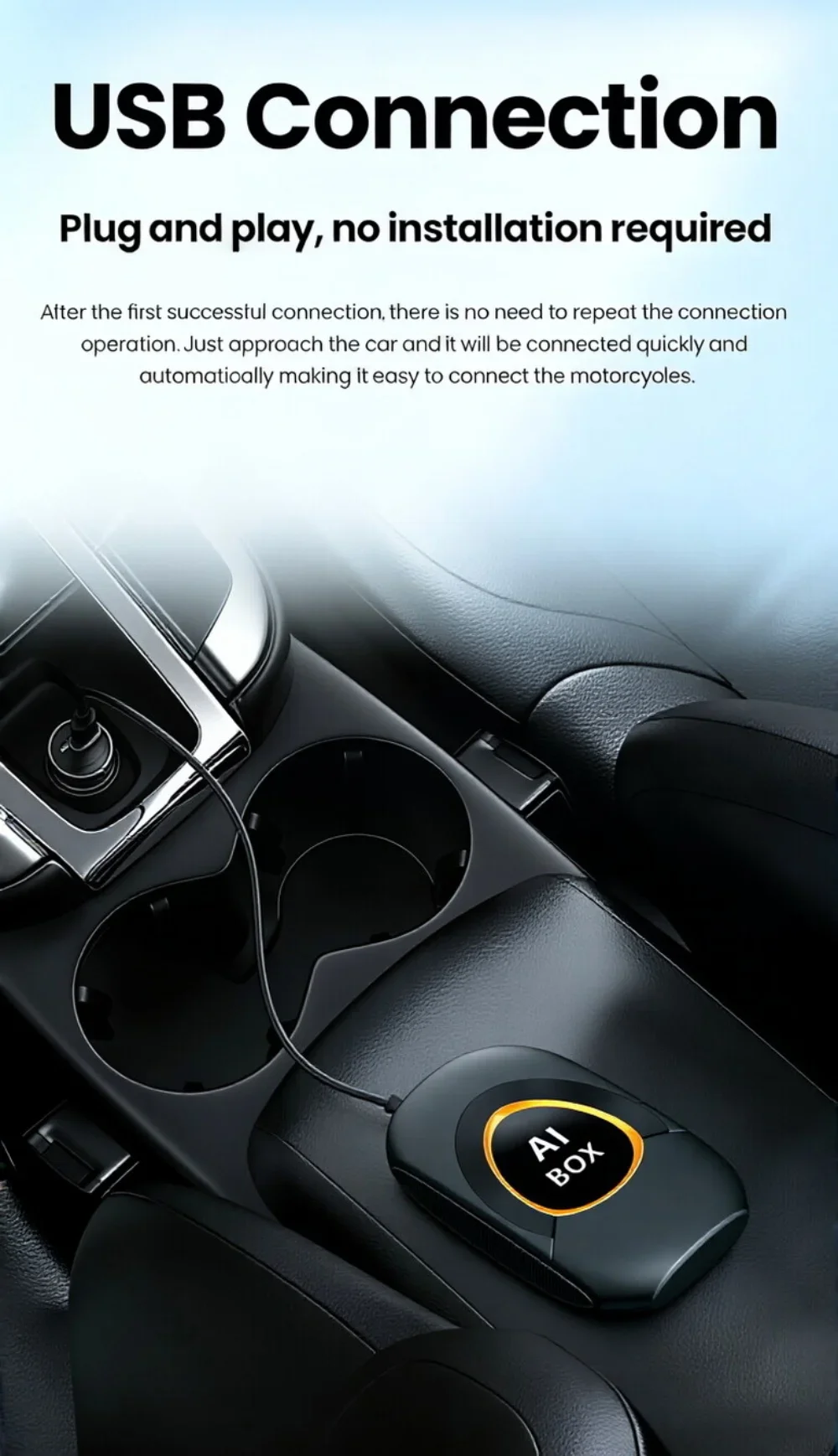
9. Plug and play, no need to dismantle the car or upgrade the system
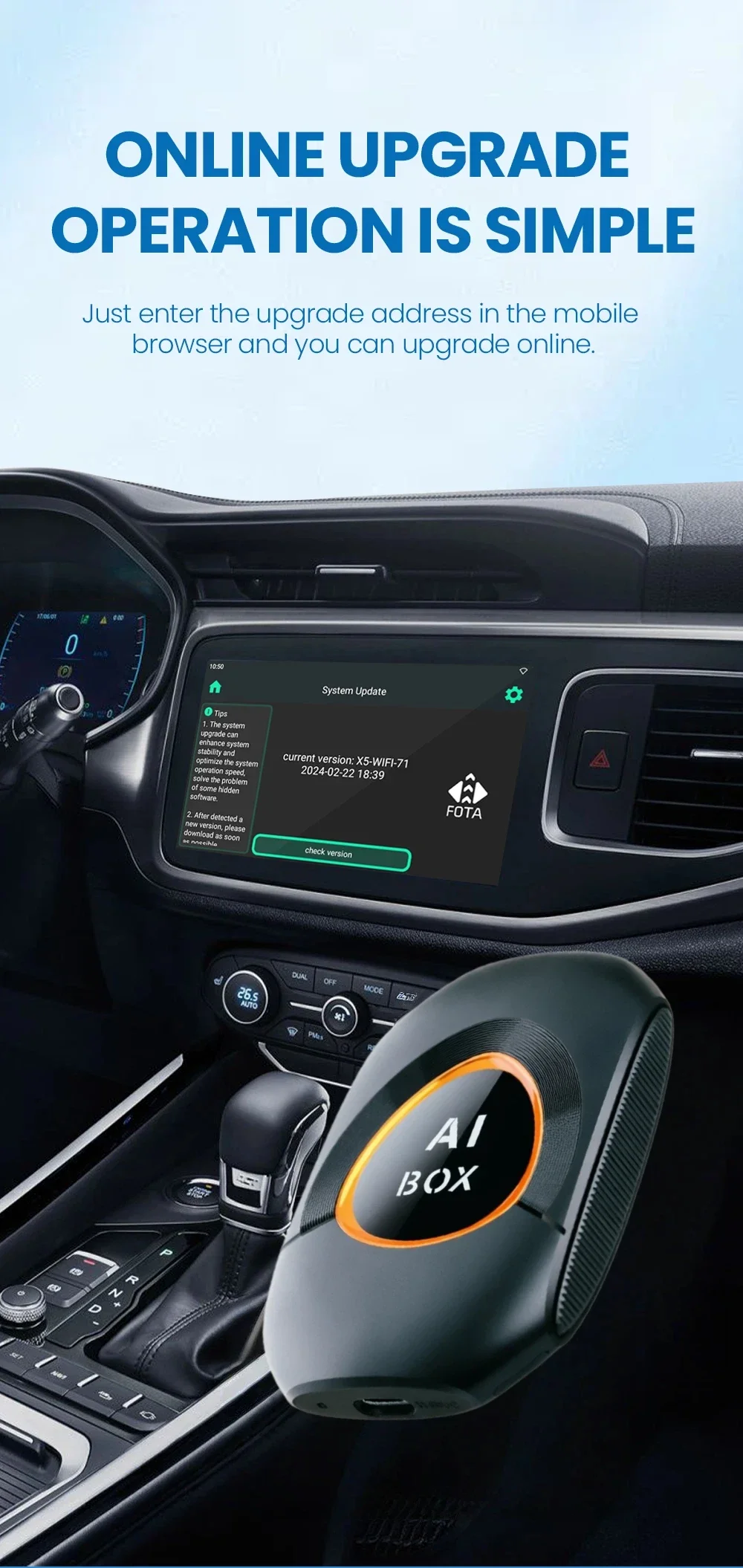
10. Support system upgrade if you want to
Product parameters
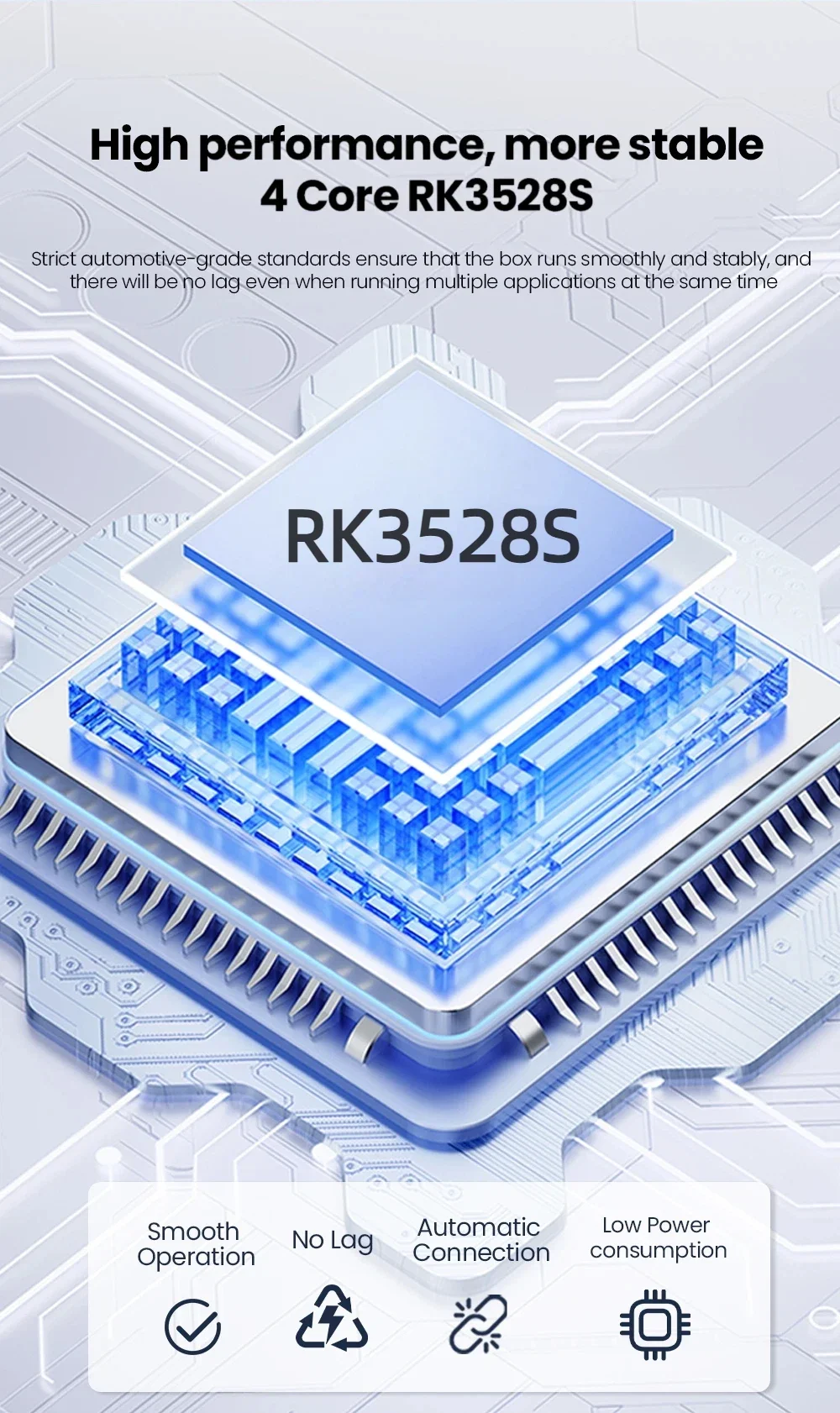
Chip: RK3528S
System:Android 15.0
CPU: Qualcomm CPU 4-cores up to 2.0GHz
GPU: Adreno 702 @ 845MHz
Technology:11nm
Memory: 2G+16G
WIFI: 802.11 a/b/g/n/ac/ax ready 2.4G+5G
SIM band:NO Support
GPS: NO support(it supports connection to CarPlay or Android Auto using your phone’s built-in navigation apps.)
Conditions of use: Only supports original cars with wired carplay

How to use wireless Carplay?
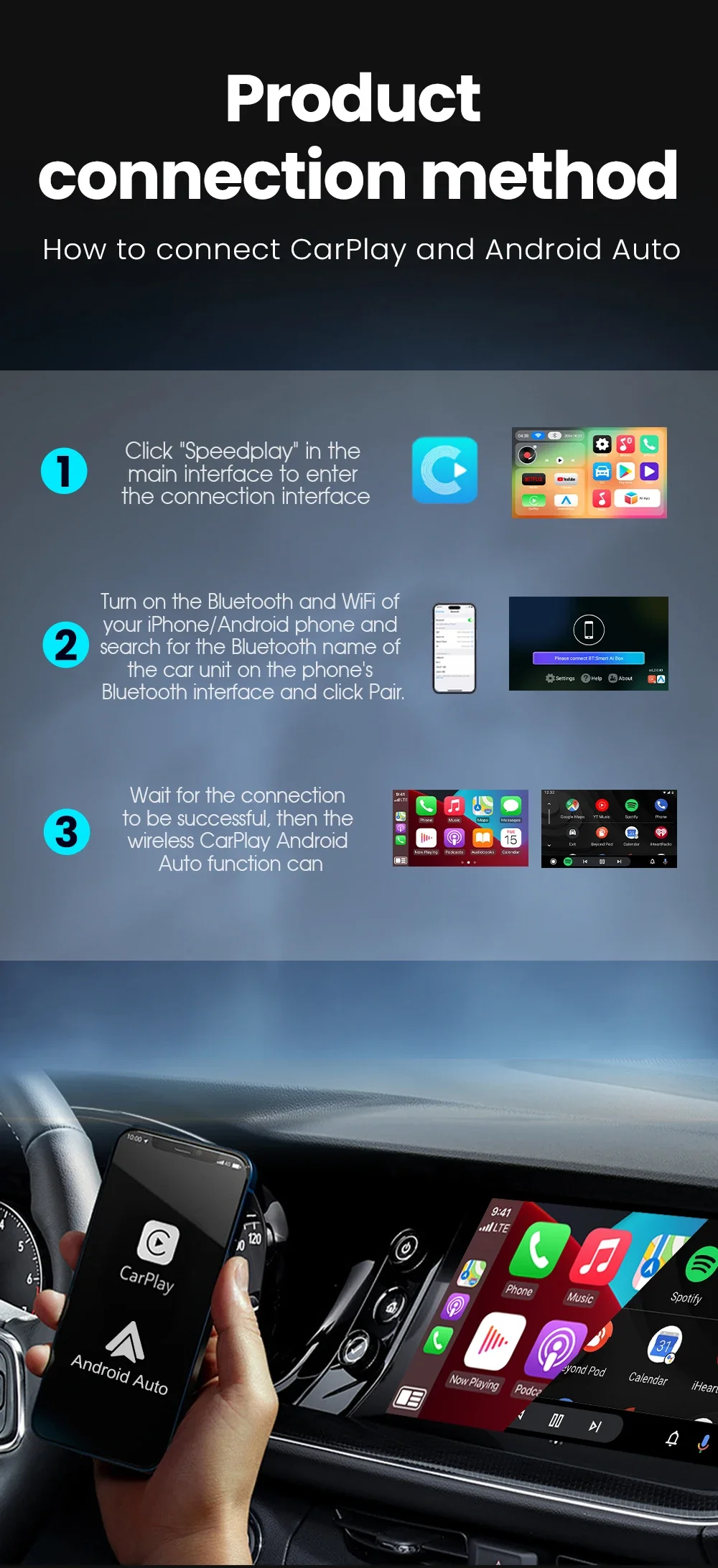
1. Please click "SpeedPlay" APP to enter the connection page
2. Turn on Bluetooth and WIFI on your Apple phone
3. Search the Bluetooth name "Smart Ai Box" displayed on the car on the Bluetooth interface of your mobile phone and click Pair.
How to use wireless Android Auto?
1. Please click "SpeedPlay" APP to enter the connection page
2. Turn on Bluetooth and WIFI on your Android phone
3. Search the Bluetooth name "Smart Ai Box" displayed on the car on the Bluetooth interface of your mobile phone and click Pair.
How to mirror an Apple phone?
1. Use your mobile phone, turn on the hotspot, let the device connect to the mobile hotspot, and maintain the same network
2. Click on the "Carbitlink" application
3. Click "Airplay" on your phone to cast the screen
How to mirror Android phones?
1. Download the "Carbitlink" APP on your Android phone first
2. Use your mobile phone, turn on the hotspot, let the device connect to the mobile hotspot, and maintain the same network
3. Click the "Carbitlink" application on the device
4. Click "Carbitlink" on your phone to mirror
How to update online?
1. Click "System Upgrade"
2. Check version
3. Tip (need to be connected to the Internet to update online."
Support mobile phone
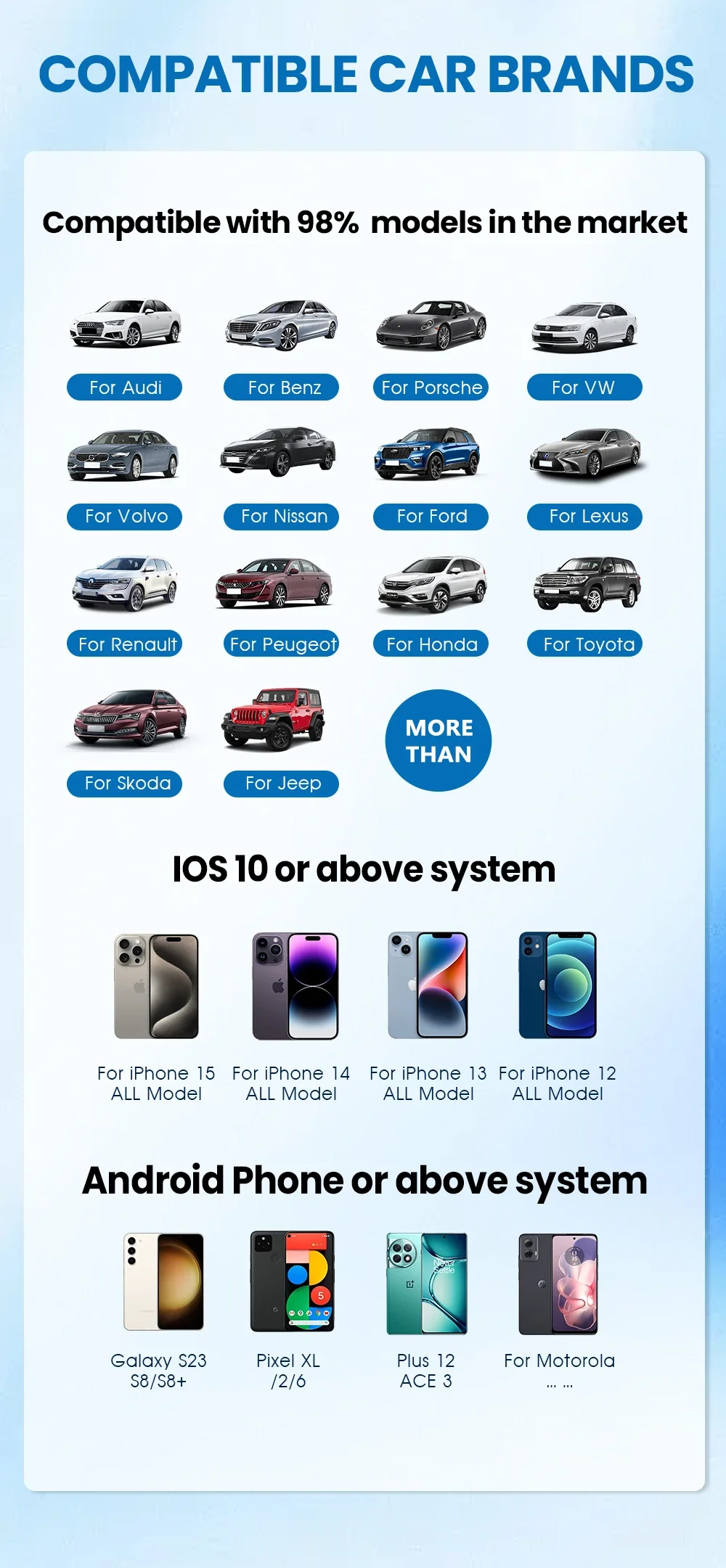
1.Support Apple phones and Android phones
2. For Carplay: Supports iPhone 6 and above, and the software version is iOS 10 and above.
3. For Android Auto: Supports Android 11 and above models, and the phone supports wireless Android Auto
4. Huawei mobile phones are quite special. Huawei devices have their own mobile operating system - EMUI. Unfortunately, Android Auto Wireless does not support EMUI.